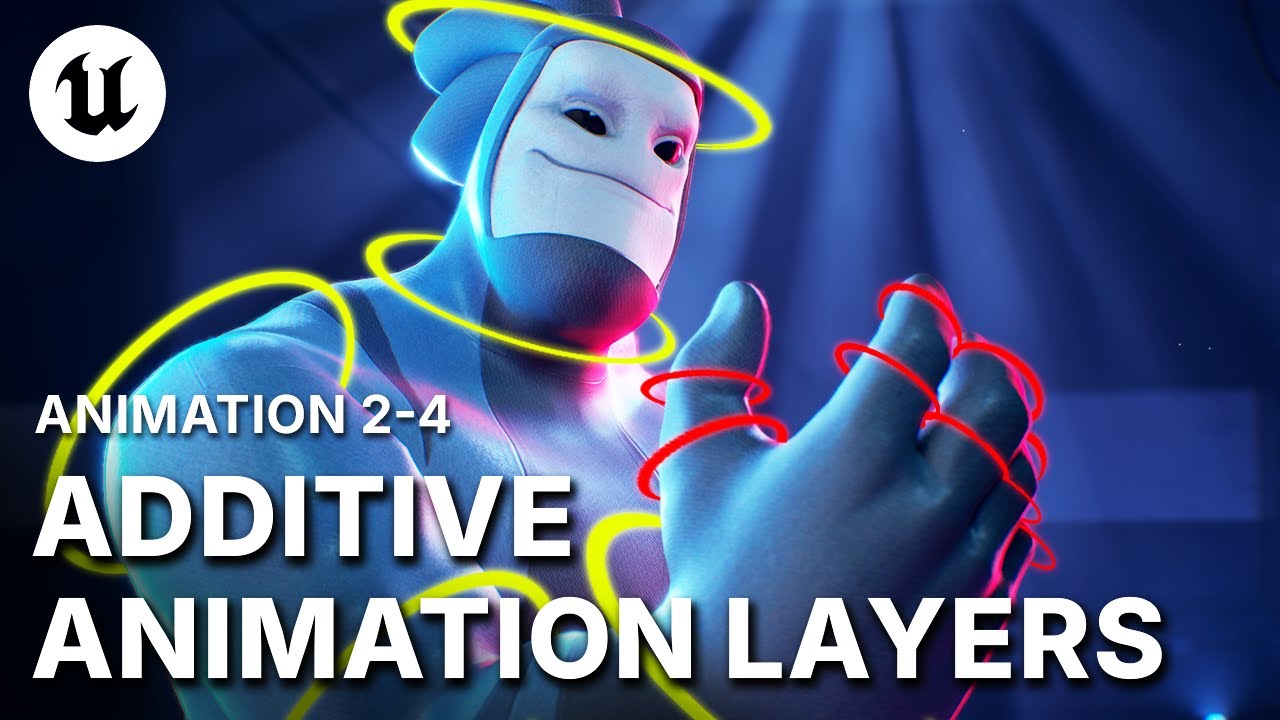
UE5 Animation Layers: Non-Destructive Camera Shake & Character Tweaks
MASTERING UE5 ANIMATION LAYERS: Intensity Control (Weight Slider) & Offsets: Discover Animation Layers to organize specific motions, such as separating camera shake from base camera moves, or isolating specific character pose adjustments (e.g., a "Robo Turn" layer). Critically, learn to control the visibility and intensity of these layers using the weight slider, allowing for easy adjustments, multipliers, or partial application of the motion change
►Download the A-COM Animation Sample here: https://epic.gm/agora-animation-sample
► Check out Sir Wade's channel for more Animation Tutorials and UE5 workflows: https://www.youtube.com/@SirWade/
► Sir Wade's Courses: https://courses.sirwade.com
►Download the A-COM Animation Sample here: https://epic.gm/agora-animation-sample
► Check out Sir Wade's channel for more Animation Tutorials and UE5 workflows: https://www.youtube.com/@SirWade/
► Sir Wade's Courses: https://courses.sirwade.com

Unreal Engine
Welcome to the official Unreal Engine channel!
Unreal Engine is a complete suite of real-time 3D tools made by developers, for developers. Create and take your content anywhere, from PC, console, mobile and VR games to cinematic experiences, visualizatio...