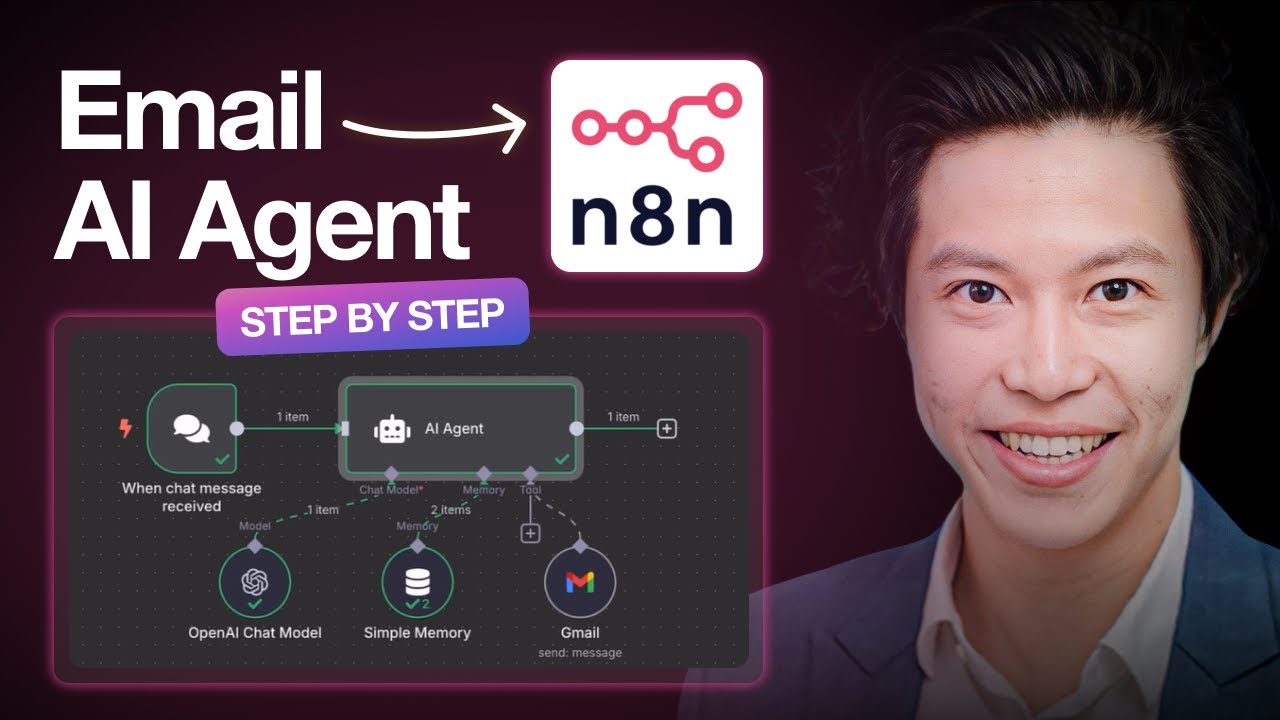
Build an Email AI Agent in 10 Minutes | n8n Tutorial for Beginners | Free Labs
? Try n8n AI Agent Labs for Free - https://kode.wiki/4ohpTd9
Learn how n8n transforms workflow automation into powerful AI agents with visual drag-and-drop nodes, LLM integration, and production-ready email automation!
In this comprehensive video, we'll show you exactly how to build a production-ready AI Email Assistant that connects to Gmail, uses OpenAI GPT-4, and handles intelligent email automation using chat triggers, AI agent nodes, and OAuth authentication. Best of all, you won't need to write a single line of code.
Ready to build your own AI-powered workflows? Access our FREE interactive labs where you can experiment with real n8n implementations, create your own AI agents, and see no-code automation in action!
? Try n8n AI Agent Labs for Free - https://kode.wiki/4ohpTd9
? Access KodeKloud KodeKey - https://kode.wiki/4ojmwCy
?Check out our complete n8n course on KodeKloud: https://kode.wiki/4qaLIwI
Tools Covered:
- n8n (open-source automation platform)
- OpenAI GPT-4
- Gmail API integration
- Google Cloud Console setup
- KodeKloud KodeKey for API keys
⏱️ Timestamps:
00:00 - Introduction to AI Agents & n8n
00:53 - Setting up n8n instance
01:29 - Creating your first workflow with trigger nodes
03:13 - Using KodeKey for API keys
04:55 - Alternative: Using OpenAI API keys directly
05:50 - Gmail And Google Cloud Console integration
07:06 - Creating OAuth credentials
09:27 - Testing your AI email agent
10:08 - Wrap up & key differences
? Subscribe for more no-code AI tutorials!
#n8n #AIagent #NoCode #WorkflowAutomation #EmailAutomation #OpenAI #GPT4 #Gmail #AIworkflow #Automation #kodekloud #kodekloudlabs
Learn how n8n transforms workflow automation into powerful AI agents with visual drag-and-drop nodes, LLM integration, and production-ready email automation!
In this comprehensive video, we'll show you exactly how to build a production-ready AI Email Assistant that connects to Gmail, uses OpenAI GPT-4, and handles intelligent email automation using chat triggers, AI agent nodes, and OAuth authentication. Best of all, you won't need to write a single line of code.
Ready to build your own AI-powered workflows? Access our FREE interactive labs where you can experiment with real n8n implementations, create your own AI agents, and see no-code automation in action!
? Try n8n AI Agent Labs for Free - https://kode.wiki/4ohpTd9
? Access KodeKloud KodeKey - https://kode.wiki/4ojmwCy
?Check out our complete n8n course on KodeKloud: https://kode.wiki/4qaLIwI
Tools Covered:
- n8n (open-source automation platform)
- OpenAI GPT-4
- Gmail API integration
- Google Cloud Console setup
- KodeKloud KodeKey for API keys
⏱️ Timestamps:
00:00 - Introduction to AI Agents & n8n
00:53 - Setting up n8n instance
01:29 - Creating your first workflow with trigger nodes
03:13 - Using KodeKey for API keys
04:55 - Alternative: Using OpenAI API keys directly
05:50 - Gmail And Google Cloud Console integration
07:06 - Creating OAuth credentials
09:27 - Testing your AI email agent
10:08 - Wrap up & key differences
? Subscribe for more no-code AI tutorials!
#n8n #AIagent #NoCode #WorkflowAutomation #EmailAutomation #OpenAI #GPT4 #Gmail #AIworkflow #Automation #kodekloud #kodekloudlabs

KodeKloud
...