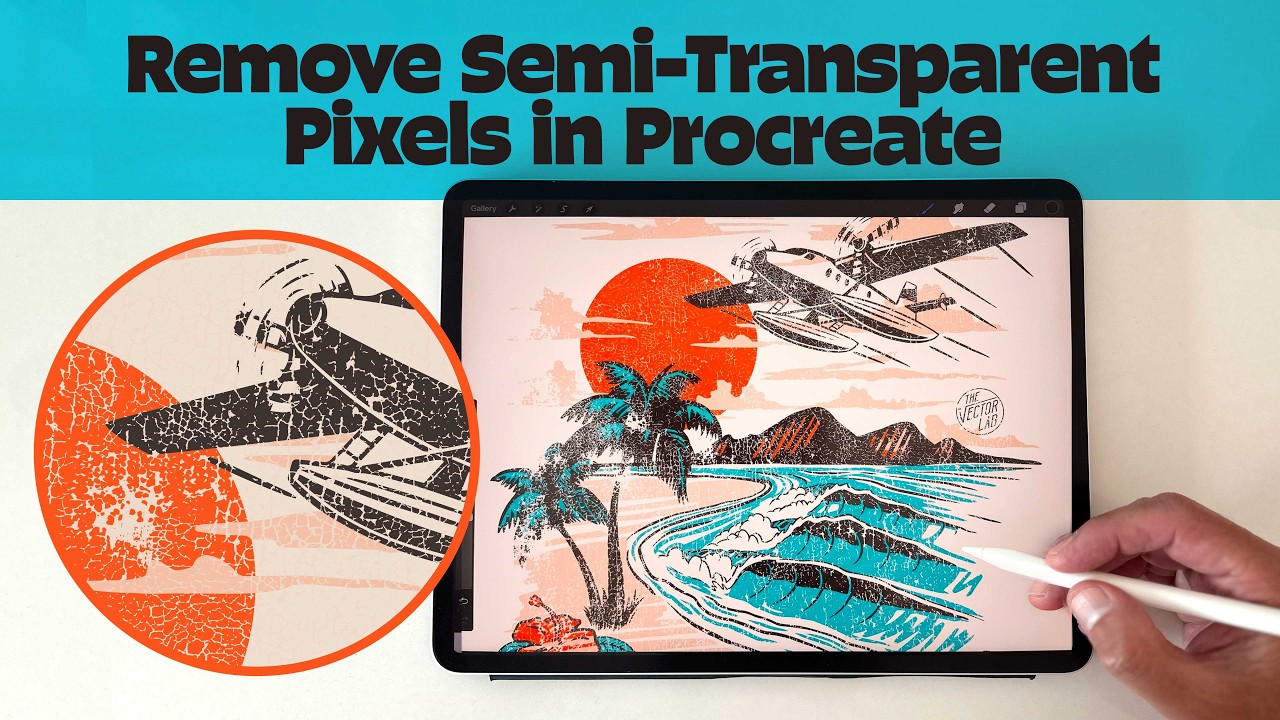
Remove Semi-Transparent Pixels in Procreate - for DTF, DTG, Screen Printing
Semi-transparent pixels will wreck your prints. If you're knocking texture through your designs in Procreate, this quick trick cleans them up: a black and white gradient map with the stops overlapped 100%, applied to your layer mask. Every pixel becomes fully solid or fully clear. Perfect for DTF, DTG, and screen printing.

TheVectorLab
Graphic design and typography tutorials by Ray Dombroski. How to use vector art, mockup templates, and bitmap textures to save time and improve your designs. TheVectorLab.com is a website where you can download the same bitmap textures, vectors, and mocku...