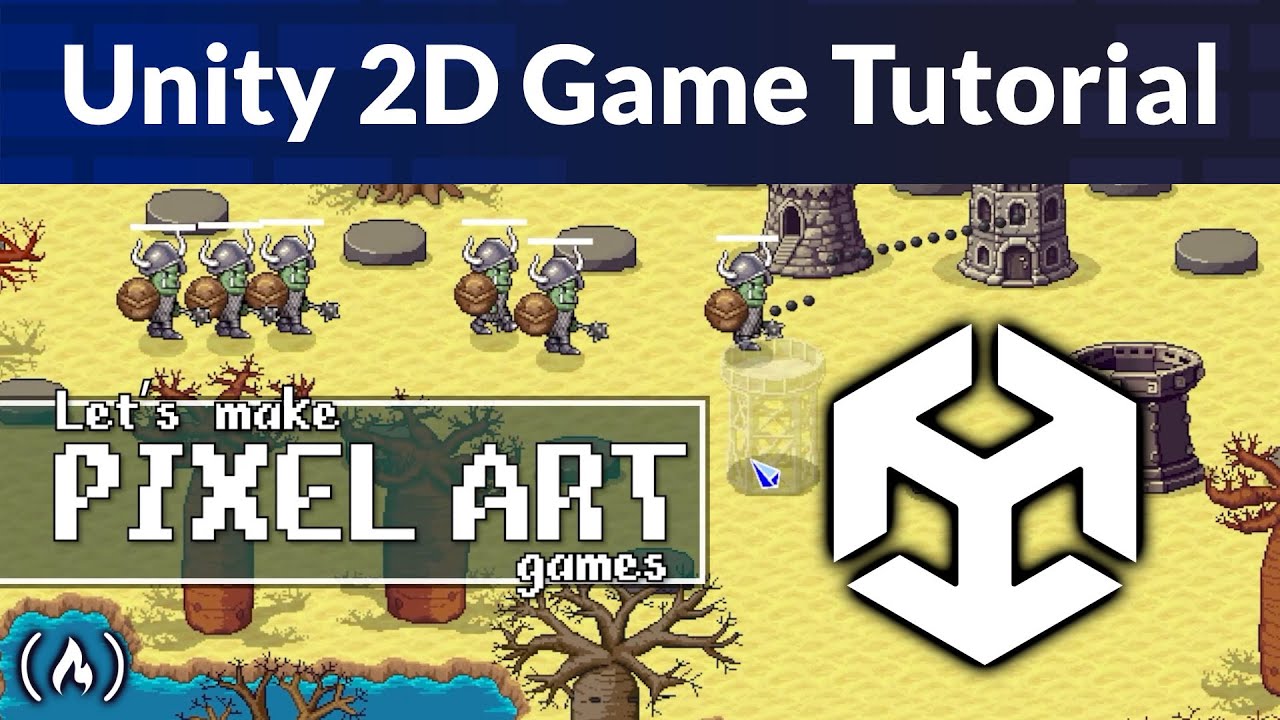
Unity 2D Pixel Art Game Tutorial
Learn how to build a complete 2D Pixel Art Tower Defense game in Unity from scratch! This step-by-step tutorial guides you from a blank project to a fully playable game with a main menu, multiple tower types, enemy waves, and three unique levels.
You’ll learn how to create a modular, data-driven system using Scriptable Objects to manage towers, enemies, and waves, plus how to design forest, lava, and jungle levels with Unity Tilemaps.
Course from @Frankslaboratory
Resources:
Main project files: https://codelaboratory.itch.io/pixel-tower-defenders-asset-pack
Fonts:
https://little-martian.itch.io/phased-font
https://caffinate.itch.io/fibberish
Characters: https://liberatedpixelcup.github.io/Universal-LPC-Spritesheet-Character-Generator/
Tiles: https://opengameart.org/content/lpc-terrain-repack
Trees:
https://opengameart.org/content/lpc-jungle
https://opengameart.org/content/lpc-baobabs
Source code: https://www.frankslaboratory.co.uk/downloads/16/source_code/source_code.zip
⭐️ Chapters ⭐️
– 0:00:00 Course Introduction and Project Overview
– 0:01:40 Setting Up the Project and Art Assets
– 0:02:41 Creating Game Objects and Using Transform
– 0:04:31 Working with Prefabs for Reusable Assets
– 0:05:40 Introduction to C# and MonoBehavior
– 0:08:30 Creating a Path System with Waypoint Arrays
– 0:09:43 Using OnDrawGizmos to Visualize the Path
– 0:14:15 Enemy Setup and Basic Movement Logic
– 0:16:54 Understanding Life Cycle Methods (OnEnable, Awake)
– 0:18:10 Implementing Time.deltaTime for Consistent Speed
– 0:19:30 Pathfinding: Moving Enemies from Waypoint to Waypoint
– 0:24:00 Deactivating Enemies at the End of the Path
– 0:25:55 Creating an Enemy Spawner
– 0:29:19 Optimizing Performance with Object Pooling
– 0:30:26 Building the Object Pooler Script
– 0:38:49 Adding Multiple Enemy Types
– 0:45:00 Data-Driven Design with Scriptable Objects
– 0:50:00 Defining Enemy Waves with Wave Data
– 0:56:33 Using Dictionaries to Link Data to Object Pools
– 1:05:53 Creating Endless Wave Loops with Modulo
– 1:09:43 Implementing the Observer Pattern for Events
– 1:16:09 Adding Customizable Breaks Between Waves
– 1:21:16 UI Setup: Displaying Wave Numbers with TextMeshPro
– 1:30:51 Tracking and Displaying Player Lives
– 1:44:05 Tower Defense: Adding and Configuring Towers
– 1:48:15 Visualizing Tower Range with Colliders
– 1:54:39 Physics and Collision Detection (Rigidbody 2D)
– 1:57:40 Projectile Logic: Aiming and Shooting
– 2:08:41 Managing Tower Damage and Health Scaling
– 2:18:38 Creating Dynamic Health Bars
– 2:33:01 Implementing Resource and Currency Systems
– 2:43:10 Organizing Sorting Layers for 2D Rendering
– 3:02:15 UI Panels: The Tower Selection Menu
– 3:08:24 Detecting Clicks with the New Input System
– 3:16:30 Pausing the Game with Time.timeScale
– 3:20:10 Dynamic UI: Generating Tower Choice Cards
– 3:41:06 Preventing Build Overlap and Resource Logic
– 3:47:33 Coroutines: Displaying Temporary Warning Messages
– 3:57:00 Game Speed Controls (Slow, Normal, Fast Forward)
– 4:15:39 Creating the Pause and Main Menu Scenes
– 4:31:41 Scene Management: Loading and Restarting Levels
– 4:42:40 Implementing Game Over and Win Conditions
– 4:48:50 Exporting and Building for Windows
– 5:23:44 Advanced Persistence: Don't Destroy On Load
– 5:43:00 Level Design: Creating Levels 2 and 3
– 5:52:05 Audio Management: SFX and Background Music
– 6:33:36 Mobile Development: Touch Controls and Simulator
– 6:56:40 Adding Custom Fonts to the Entire UI
– 8:18:02 Professional Level Design with Tilemaps
– 9:17:52 Adding Visual Polish with Particle Systems
– 9:34:00 WebGL: Publishing Your Game Online
You’ll learn how to create a modular, data-driven system using Scriptable Objects to manage towers, enemies, and waves, plus how to design forest, lava, and jungle levels with Unity Tilemaps.
Course from @Frankslaboratory
Resources:
Main project files: https://codelaboratory.itch.io/pixel-tower-defenders-asset-pack
Fonts:
https://little-martian.itch.io/phased-font
https://caffinate.itch.io/fibberish
Characters: https://liberatedpixelcup.github.io/Universal-LPC-Spritesheet-Character-Generator/
Tiles: https://opengameart.org/content/lpc-terrain-repack
Trees:
https://opengameart.org/content/lpc-jungle
https://opengameart.org/content/lpc-baobabs
Source code: https://www.frankslaboratory.co.uk/downloads/16/source_code/source_code.zip
⭐️ Chapters ⭐️
– 0:00:00 Course Introduction and Project Overview
– 0:01:40 Setting Up the Project and Art Assets
– 0:02:41 Creating Game Objects and Using Transform
– 0:04:31 Working with Prefabs for Reusable Assets
– 0:05:40 Introduction to C# and MonoBehavior
– 0:08:30 Creating a Path System with Waypoint Arrays
– 0:09:43 Using OnDrawGizmos to Visualize the Path
– 0:14:15 Enemy Setup and Basic Movement Logic
– 0:16:54 Understanding Life Cycle Methods (OnEnable, Awake)
– 0:18:10 Implementing Time.deltaTime for Consistent Speed
– 0:19:30 Pathfinding: Moving Enemies from Waypoint to Waypoint
– 0:24:00 Deactivating Enemies at the End of the Path
– 0:25:55 Creating an Enemy Spawner
– 0:29:19 Optimizing Performance with Object Pooling
– 0:30:26 Building the Object Pooler Script
– 0:38:49 Adding Multiple Enemy Types
– 0:45:00 Data-Driven Design with Scriptable Objects
– 0:50:00 Defining Enemy Waves with Wave Data
– 0:56:33 Using Dictionaries to Link Data to Object Pools
– 1:05:53 Creating Endless Wave Loops with Modulo
– 1:09:43 Implementing the Observer Pattern for Events
– 1:16:09 Adding Customizable Breaks Between Waves
– 1:21:16 UI Setup: Displaying Wave Numbers with TextMeshPro
– 1:30:51 Tracking and Displaying Player Lives
– 1:44:05 Tower Defense: Adding and Configuring Towers
– 1:48:15 Visualizing Tower Range with Colliders
– 1:54:39 Physics and Collision Detection (Rigidbody 2D)
– 1:57:40 Projectile Logic: Aiming and Shooting
– 2:08:41 Managing Tower Damage and Health Scaling
– 2:18:38 Creating Dynamic Health Bars
– 2:33:01 Implementing Resource and Currency Systems
– 2:43:10 Organizing Sorting Layers for 2D Rendering
– 3:02:15 UI Panels: The Tower Selection Menu
– 3:08:24 Detecting Clicks with the New Input System
– 3:16:30 Pausing the Game with Time.timeScale
– 3:20:10 Dynamic UI: Generating Tower Choice Cards
– 3:41:06 Preventing Build Overlap and Resource Logic
– 3:47:33 Coroutines: Displaying Temporary Warning Messages
– 3:57:00 Game Speed Controls (Slow, Normal, Fast Forward)
– 4:15:39 Creating the Pause and Main Menu Scenes
– 4:31:41 Scene Management: Loading and Restarting Levels
– 4:42:40 Implementing Game Over and Win Conditions
– 4:48:50 Exporting and Building for Windows
– 5:23:44 Advanced Persistence: Don't Destroy On Load
– 5:43:00 Level Design: Creating Levels 2 and 3
– 5:52:05 Audio Management: SFX and Background Music
– 6:33:36 Mobile Development: Touch Controls and Simulator
– 6:56:40 Adding Custom Fonts to the Entire UI
– 8:18:02 Professional Level Design with Tilemaps
– 9:17:52 Adding Visual Polish with Particle Systems
– 9:34:00 WebGL: Publishing Your Game Online

freeCodeCamp.org
Learn to code for free....
Stop choosing between learning coding fundamentals and learning to use AI. Do both.
freeCodeCamp.org
Are you familiar with the Zen of Python? Estefania breaks down the principles here.
freeCodeCamp.org
Spatial computing might seem like something from the future, but it's not really...
freeCodeCamp.org