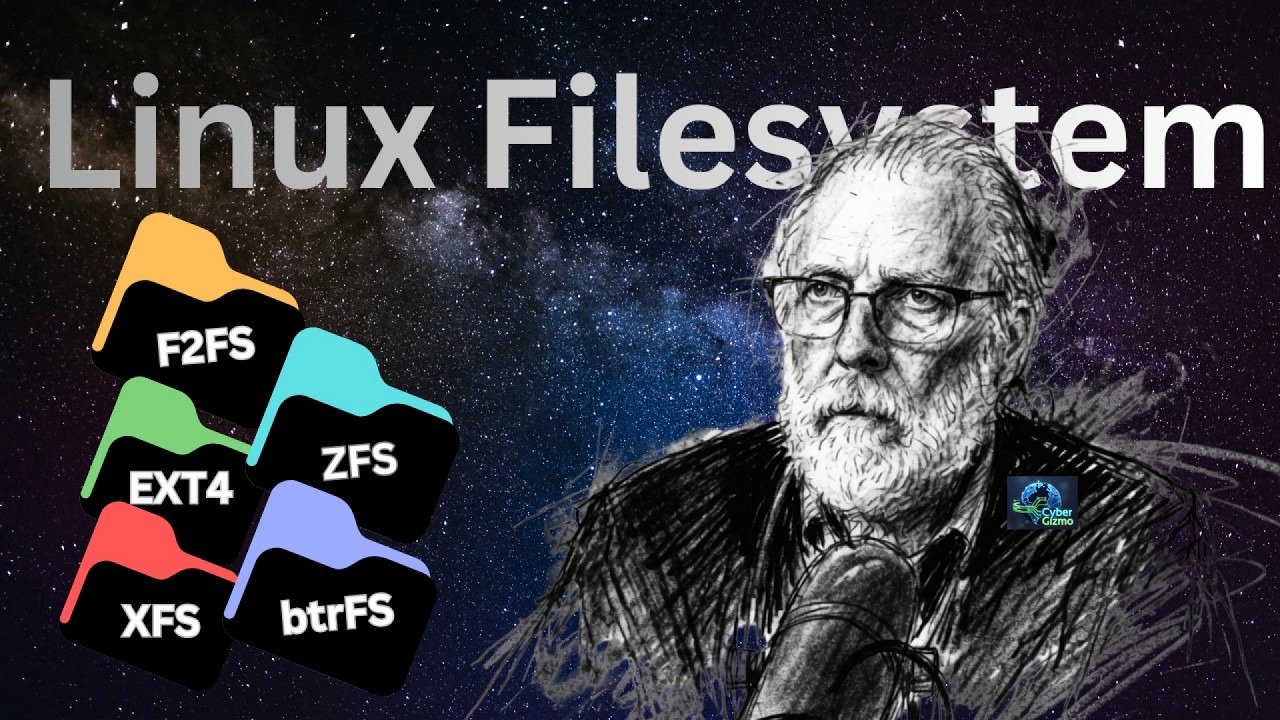
I Tested 5 Popular Linux Filesystems — Here’s What I Found
I tested ext4, XFS, Btrfs, ZFS, and F2FS on the same hardware to answer a more useful question than simply, “Which filesystem is fastest?”
Instead of dragging you through 26 benchmark charts, I distilled the results into four real-world workloads:
Gaming • Workstation • Server • NAS
The testing includes small and medium workloads, single-user and multi-user behavior, and several different kinds of read and write activity.
But graphs are never the full story.
A filesystem may win a throughput benchmark while consuming more memory or CPU, behaving differently as the workload grows, or introducing operational tradeoffs that matter more than a few percent of performance. Your workload may also be very different from mine.
The workload model used in this video is new, and it needs more data points before I’m comfortable treating it as anything more than a useful decision-making tool.
So this isn’t “here’s the winner.”
It’s what do you gain, what do you give up, and which filesystem makes sense for what you actually do?
If you want to see the raw benchmark charts and the work behind the scoring model, let me know in the comments. I may do a behind-the-scenes or live session and go through the data.
CHAPTERS
00:00 - Intro
00:24 - Methodology
00:54 - EXT Filesystem
02:12 - XFS
02:47 - BtrFS
02:58 - ZFS
03:58 - Test Machine
05:36 - WD SN850X Specs
05:59 - Which one Won?
06:07 - Use Cases
06:27 - Gaming
06:50 - Workstatoion
07:14 - Servers
07:33 - NAS
07:50 - Small File Size Performance
09:53 - Medium File Size Performance
11:37 - Wrapup
Instead of dragging you through 26 benchmark charts, I distilled the results into four real-world workloads:
Gaming • Workstation • Server • NAS
The testing includes small and medium workloads, single-user and multi-user behavior, and several different kinds of read and write activity.
But graphs are never the full story.
A filesystem may win a throughput benchmark while consuming more memory or CPU, behaving differently as the workload grows, or introducing operational tradeoffs that matter more than a few percent of performance. Your workload may also be very different from mine.
The workload model used in this video is new, and it needs more data points before I’m comfortable treating it as anything more than a useful decision-making tool.
So this isn’t “here’s the winner.”
It’s what do you gain, what do you give up, and which filesystem makes sense for what you actually do?
If you want to see the raw benchmark charts and the work behind the scoring model, let me know in the comments. I may do a behind-the-scenes or live session and go through the data.
CHAPTERS
00:00 - Intro
00:24 - Methodology
00:54 - EXT Filesystem
02:12 - XFS
02:47 - BtrFS
02:58 - ZFS
03:58 - Test Machine
05:36 - WD SN850X Specs
05:59 - Which one Won?
06:07 - Use Cases
06:27 - Gaming
06:50 - Workstatoion
07:14 - Servers
07:33 - NAS
07:50 - Small File Size Performance
09:53 - Medium File Size Performance
11:37 - Wrapup

DJ Ware
I would like to use this channel to give back to the community what I have learned from others. I cover a wide range of topics on computing technology from Home Server setup on a budget, Linux for general use (workstation, server and development), High P...