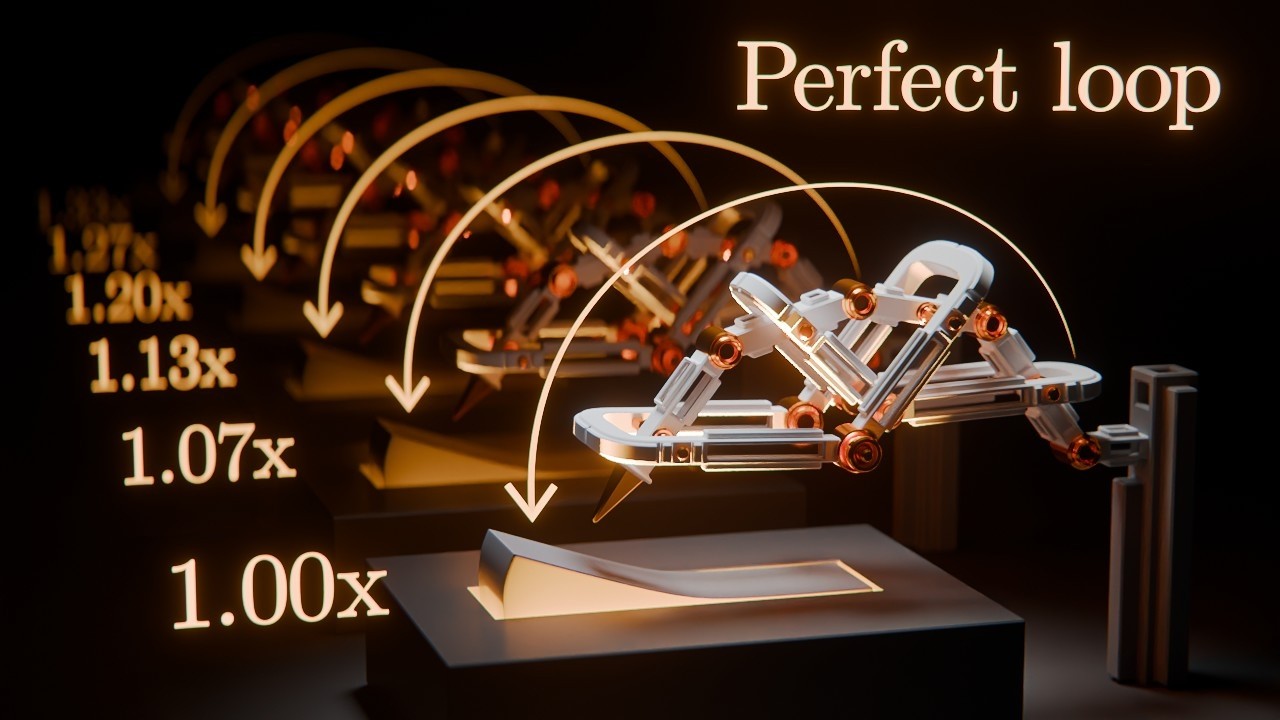
How to make Looping Polyrhythms in Blender
Making a visual polyrhythm using animation and sound in Blender!
In this tutorial we'll use Blender's NLA editor to make the same animation repeat at different speeds, then use the Video Sequencer to create matching sound effects for every repetition. We'll also take the final sound into openDAW for some quick audio processing before bringing everything back into Blender for the final render.
Download the tutorial project file (free): https://www.patreon.com/polyfjord/posts/167825661
Check out my Robots course: https://robots.polyfjord.com
openDAW is free and open source: https://opendaw.studio
Blender is free and open source: https://blender.org
Follow me on Patreon: https://www.patreon.com/polyfjord
Follow me on instagram: https://www.instagram.com/polyfjord/
Check out my 2nd channel for more videos: https://www.youtube.com/@Polyfjord2
00:00 Lightswitch polyrhythm
01:06 What is a polyrhythym?
02:27 How the rig and drivers work
04:22 Converting the animation to NLA strips and setting loops
08:56 Duplicating the arms and adjusting speeds
14:07 Mirroring the rows with collection instances
15:26 Adding and syncing sound effects in the sequencer
22:37 Adjusting audio speed, pitch, and volume
31:40 Adding reverb and EQ in OpenDAW
36:15 Rendering and putting the final video together
40:00 Final result
In this tutorial we'll use Blender's NLA editor to make the same animation repeat at different speeds, then use the Video Sequencer to create matching sound effects for every repetition. We'll also take the final sound into openDAW for some quick audio processing before bringing everything back into Blender for the final render.
Download the tutorial project file (free): https://www.patreon.com/polyfjord/posts/167825661
Check out my Robots course: https://robots.polyfjord.com
openDAW is free and open source: https://opendaw.studio
Blender is free and open source: https://blender.org
Follow me on Patreon: https://www.patreon.com/polyfjord
Follow me on instagram: https://www.instagram.com/polyfjord/
Check out my 2nd channel for more videos: https://www.youtube.com/@Polyfjord2
00:00 Lightswitch polyrhythm
01:06 What is a polyrhythym?
02:27 How the rig and drivers work
04:22 Converting the animation to NLA strips and setting loops
08:56 Duplicating the arms and adjusting speeds
14:07 Mirroring the rows with collection instances
15:26 Adding and syncing sound effects in the sequencer
22:37 Adjusting audio speed, pitch, and volume
31:40 Adding reverb and EQ in OpenDAW
36:15 Rendering and putting the final video together
40:00 Final result

Polyfjord
My name is Asbjørn, I'm a digital artist from Norway. My pipeline currently consist primarily of Blender, DaVinci Resolve and Soundly, and I enjoy exploring workflows that use open source, free and/or freemium software.
Since the summer of 2021 I've been...