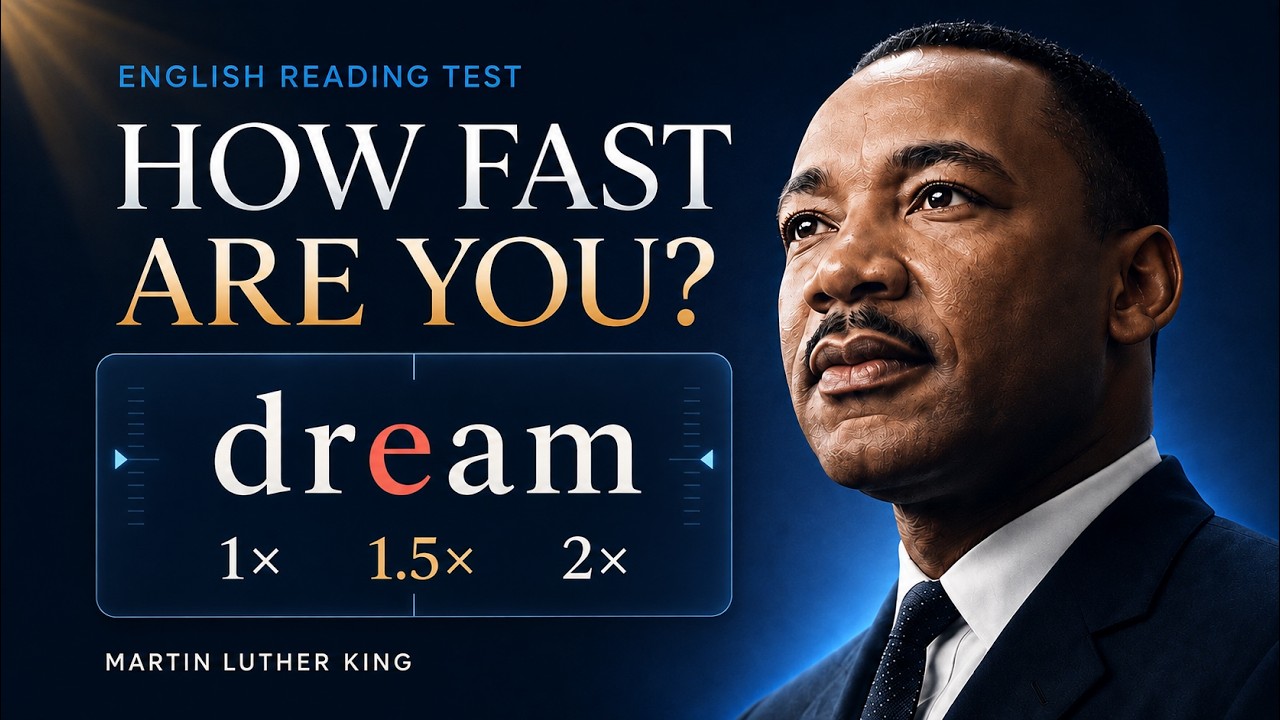
Speed Reading | Martin Luther King
Do you think you can read faster than a native English speaker? Take our Speed Reading Challenge with Martin Luther King Jr.’s “I Have a Dream.”
Read one word at a time, follow the red letter, and discover your pace. Start slow or turn up the speed. How far can you go?
⚡ TRY THE INTERACTIVE SPEED TEST
Continue the challenge in the English Speeches Library:
https://library.englishspeecheschannel.com/speech/martin-luther-king-jr-i-have-a-dream
Open the speech and select “Speed” to try the interactive reading tool. Choose your pace and practise with the text. You can also explore the transcript, vocabulary, shadowing, and typing activities on the same page.
? HOW THIS CHALLENGE WORKS
• Keep your eyes near the red letter as each word appears.
• Start with YouTube’s playback speed set to Normal.
• Too easy? Try 1.25x, 1.5x, or 2x.
• Too fast? Lower the playback speed to match your level.
To adjust it, open Settings → Playback speed in the YouTube player.
The reading section starts at a base pace of 200 words per minute, with extra pauses for punctuation. After the spoken introduction, the speech excerpt is silent so you can focus on reading.
? WHAT SPEED DID YOU REACH?
Leave your playback speed in the comments and tell us which speaker you want to read next.
?️ ABOUT THE SPEECH
Martin Luther King Jr. delivered “I Have a Dream” at the March on Washington on August 28, 1963. His message of freedom, equality, and hope continues to inspire people around the world.
This reading challenge features a 729-word excerpt based on the National Archives’ “The March, Part 3 of 3.” It is not the complete speech. Historical language is preserved.
? Subscribe to English Speeches for more English practice through powerful speeches.
⏱️ CHAPTERS
0:00 How the challenge works
0:26 Start reading
4:43 More from English Speeches
#SpeedReading #LearnEnglish #MartinLutherKing
Read one word at a time, follow the red letter, and discover your pace. Start slow or turn up the speed. How far can you go?
⚡ TRY THE INTERACTIVE SPEED TEST
Continue the challenge in the English Speeches Library:
https://library.englishspeecheschannel.com/speech/martin-luther-king-jr-i-have-a-dream
Open the speech and select “Speed” to try the interactive reading tool. Choose your pace and practise with the text. You can also explore the transcript, vocabulary, shadowing, and typing activities on the same page.
? HOW THIS CHALLENGE WORKS
• Keep your eyes near the red letter as each word appears.
• Start with YouTube’s playback speed set to Normal.
• Too easy? Try 1.25x, 1.5x, or 2x.
• Too fast? Lower the playback speed to match your level.
To adjust it, open Settings → Playback speed in the YouTube player.
The reading section starts at a base pace of 200 words per minute, with extra pauses for punctuation. After the spoken introduction, the speech excerpt is silent so you can focus on reading.
? WHAT SPEED DID YOU REACH?
Leave your playback speed in the comments and tell us which speaker you want to read next.
?️ ABOUT THE SPEECH
Martin Luther King Jr. delivered “I Have a Dream” at the March on Washington on August 28, 1963. His message of freedom, equality, and hope continues to inspire people around the world.
This reading challenge features a 729-word excerpt based on the National Archives’ “The March, Part 3 of 3.” It is not the complete speech. Historical language is preserved.
? Subscribe to English Speeches for more English practice through powerful speeches.
⏱️ CHAPTERS
0:00 How the challenge works
0:26 Start reading
4:43 More from English Speeches
#SpeedReading #LearnEnglish #MartinLutherKing

English Speeches
The pioneer and biggest SPEECHES channel on Youtube with over 4 MILLION subscribers.
If you want to practice and improve your English listening and reading skills, our channel helps you do that. The sole aim of this channel is to help the students with ...