How to use Blender's NEW Transparency Material
Thanks to Storyblocks for sponsoring this episode. To get 15% off any annual plan for a limited time, go to: http://storyblocks.com/SouthernShotty
?My Products (affiliate links)?
Dynamic VFX Pack (Free Sample Pack): https://blendermarket.com/products/blender-dynamic-vfx---elemental-asset-pack?ref=434
Crafty Asset Pack (Free Sample Pack): https://blendermarket.com/products/crafty-asset-pack?ref=434
Patreon: https://www.patreon.com/southernshotty
Skillshare: https://www.skillshare.com/r/user/southernshotty
-----------------------------------------------------------------------------------------------------------
Tag me in your artwork on Instagram and Twitter @SouthernShotty
Instagram: https://www.instagram.com/southernshotty/
Twitter: https://twitter.com/SouthernShotty
-----------------------------------------------------------------------------------------------------------
Transparent Materials Finally Work in Blender 5.2
Blender 5.2 introduces a surprisingly powerful new feature to the Principled BSDF shader: Thin Wall. While it sounds simple, this option solves several long-standing transparency problems and makes materials like paper, leaves, frosted glass, bubbles, and thin translucent surfaces both easier to create and faster to render.
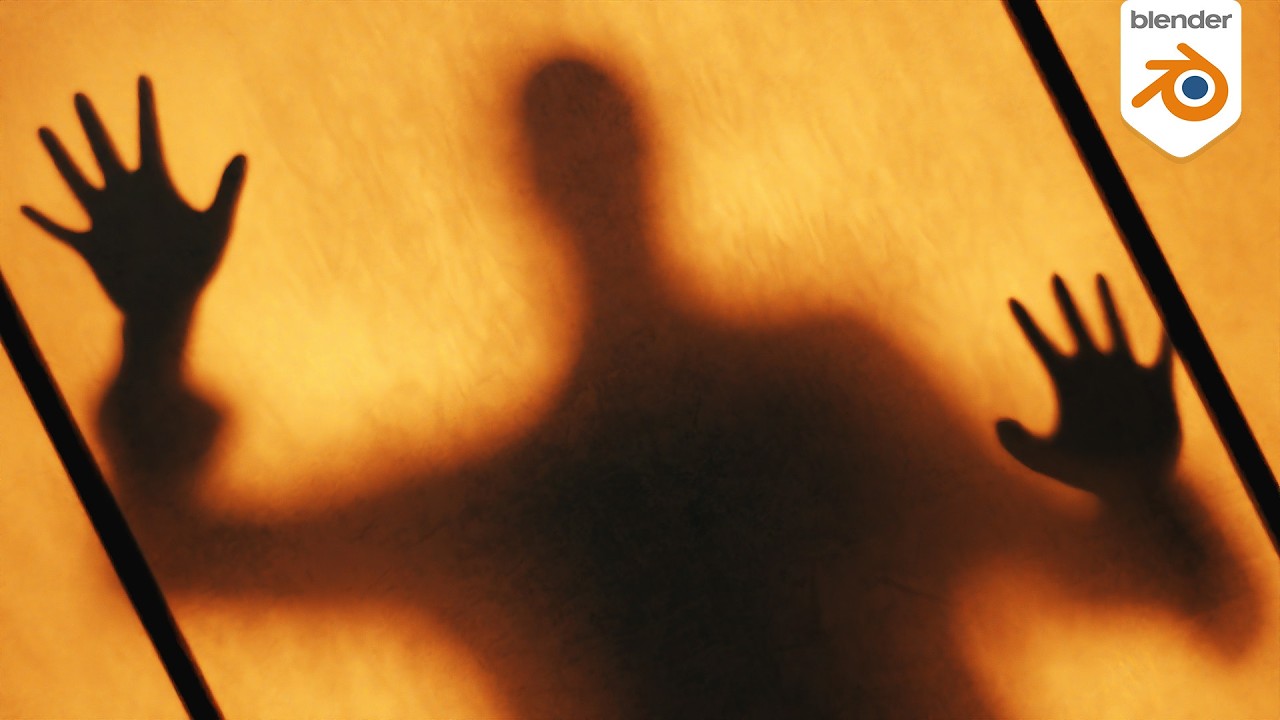
In this video, we'll explore how Thin Wall works, compare it to older Blender workflows, and build a creepy frosted-glass effect that takes advantage of the new system.
In This Video You'll Learn
• What the new Thin Wall option does
• Why transparent planes were problematic before
• Replacing Solidify modifiers for thin transparent materials
• Creating bubble and thin-film effects
• Better foliage and leaf rendering
• Fixing Blender's dark window glass problem
• Faster transparent material rendering
• Creating frosted glass materials
• Building a horror-style silhouette effect behind glass
• Using noise and grunge maps to create realistic surface imperfections
Features Covered
• Thin Wall in Principled BSDF
• Transmission Materials
• Subsurface Scattering
• Bubble Materials
• Foliage Shading
• Glass Windows
• Frosted Glass
• Roughness Workflows
• Bump Mapping
• Lighting Through Transparent Surfaces
Why This Matters
Thin Wall isn't just a quality-of-life feature.
It improves realism, reduces setup complexity, eliminates the need for many Solidify modifiers, fixes several transparency edge cases, and can even improve render performance in scenes with foliage, paper, glass, and other thin materials.
For environment artists, product visualizers, stylized artists, and VFX creators, this is one of the most useful rendering improvements coming to Blender 5.2.
What material are you most excited to use Thin Wall on?
Let me know in the comments, and subscribe for more Blender updates, tutorials, and practical workflow breakdowns.
Chapters
00:00 – A Small Feature With Big Impact
01:02 – Getting Started
02:46 – Understanding the Settings
04:53 – Thin Film Effects
05:40 – Better Foliage Renders
06:35 – The Glass Problem
07:47 – Creative Example
10:19 – Final Thoughts
?My Products (affiliate links)?
Dynamic VFX Pack (Free Sample Pack): https://blendermarket.com/products/blender-dynamic-vfx---elemental-asset-pack?ref=434
Crafty Asset Pack (Free Sample Pack): https://blendermarket.com/products/crafty-asset-pack?ref=434
Patreon: https://www.patreon.com/southernshotty
Skillshare: https://www.skillshare.com/r/user/southernshotty
-----------------------------------------------------------------------------------------------------------
Tag me in your artwork on Instagram and Twitter @SouthernShotty
Instagram: https://www.instagram.com/southernshotty/
Twitter: https://twitter.com/SouthernShotty
-----------------------------------------------------------------------------------------------------------
Transparent Materials Finally Work in Blender 5.2
Blender 5.2 introduces a surprisingly powerful new feature to the Principled BSDF shader: Thin Wall. While it sounds simple, this option solves several long-standing transparency problems and makes materials like paper, leaves, frosted glass, bubbles, and thin translucent surfaces both easier to create and faster to render.
In this video, we'll explore how Thin Wall works, compare it to older Blender workflows, and build a creepy frosted-glass effect that takes advantage of the new system.
In This Video You'll Learn
• What the new Thin Wall option does
• Why transparent planes were problematic before
• Replacing Solidify modifiers for thin transparent materials
• Creating bubble and thin-film effects
• Better foliage and leaf rendering
• Fixing Blender's dark window glass problem
• Faster transparent material rendering
• Creating frosted glass materials
• Building a horror-style silhouette effect behind glass
• Using noise and grunge maps to create realistic surface imperfections
Features Covered
• Thin Wall in Principled BSDF
• Transmission Materials
• Subsurface Scattering
• Bubble Materials
• Foliage Shading
• Glass Windows
• Frosted Glass
• Roughness Workflows
• Bump Mapping
• Lighting Through Transparent Surfaces
Why This Matters
Thin Wall isn't just a quality-of-life feature.
It improves realism, reduces setup complexity, eliminates the need for many Solidify modifiers, fixes several transparency edge cases, and can even improve render performance in scenes with foliage, paper, glass, and other thin materials.
For environment artists, product visualizers, stylized artists, and VFX creators, this is one of the most useful rendering improvements coming to Blender 5.2.
What material are you most excited to use Thin Wall on?
Let me know in the comments, and subscribe for more Blender updates, tutorials, and practical workflow breakdowns.
Chapters
00:00 – A Small Feature With Big Impact
01:02 – Getting Started
02:46 – Understanding the Settings
04:53 – Thin Film Effects
05:40 – Better Foliage Renders
06:35 – The Glass Problem
07:47 – Creative Example
10:19 – Final Thoughts

SouthernShotty
Learn all things Blender 3D with a focus on characters, animation, rigging, and motion graphics!...