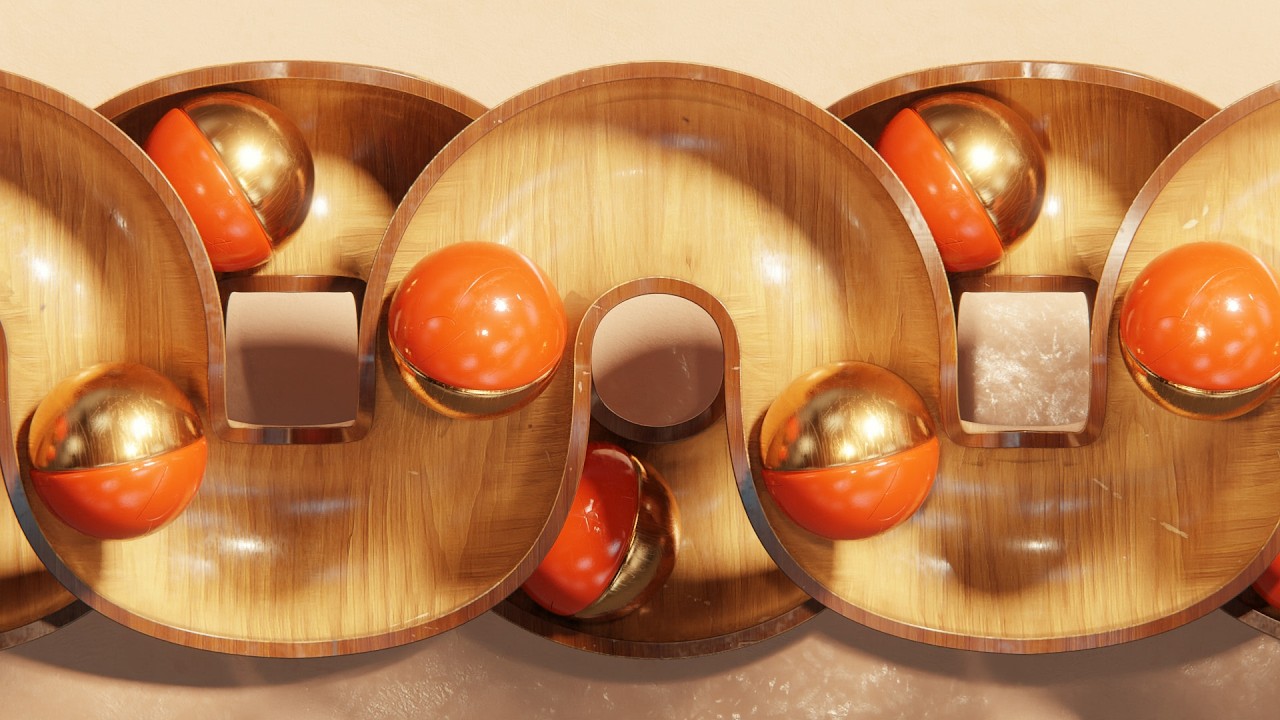
Satisfying Loops Made Easy in Blender (FREE Addon)
MOGRAPH TOOLBOX 25% OFF NOW (Free Array): https://superhivemarket.com/products/blender-mograph-toolbox
?My Products (affiliate links)?
Dynamic VFX Pack (Free Sample Pack): https://blendermarket.com/products/blender-dynamic-vfx---elemental-asset-pack?ref=434
Crafty Asset Pack (Free Sample Pack): https://blendermarket.com/products/crafty-asset-pack?ref=434
Patreon: https://www.patreon.com/southernshotty
Skillshare: https://www.skillshare.com/r/user/southernshotty
-----------------------------------------------------------------------------------------------------------
Tag me in your artwork on Instagram and Twitter @SouthernShotty
Instagram: https://www.instagram.com/southernshotty/
Twitter: https://twitter.com/SouthernShotty
-----------------------------------------------------------------------------------------------------------
Creating perfectly seamless animation loops in Blender can be frustrating and time-consuming. This free addon simplifies the entire process so you can generate clean, looping animations quickly and consistently.
In this video, you’ll see how to create smooth, repeatable motion that works for stylized animation, motion graphics, and social media content.
In This Video You’ll Learn:
• How to create seamless looping animations in seconds
• How to control timing so loops reset perfectly
• How to adjust and refine loops without using complex graph editor workflows
• Practical examples for motion graphics, abstract animation, and stylized scenes
Why This Matters
Looping animations are one of the most engaging formats for content, but getting them to feel seamless is often difficult.
This addon helps you:
• Save time
• Avoid trial-and-error
• Create cleaner, more professional loops
• Produce more content faster
• Blender (4.x / 5.x compatible)
• Eevee and Cycles
00:00 – Free Addon Intro
01:04 – Building the Path That Drives Everything
03:46 – A Small Detail That Makes It More Interesting
04:02 – Turning This Into a Full System
04:46 – The Trick to a Seamless Loop
05:32 – Keeping Everything Moving Together
06:17 – Creating That Interlocking Motion
07:01 – Fixing Timing Without Breaking the Loop
07:31 – Adding Camera Movement for Extra Motion
08:51 – Giving It Depth Without Overcomplicating
10:37 – Turning Curves Into Clean Geometry
12:59 – Fixing Intersections and Polish
?My Products (affiliate links)?
Dynamic VFX Pack (Free Sample Pack): https://blendermarket.com/products/blender-dynamic-vfx---elemental-asset-pack?ref=434
Crafty Asset Pack (Free Sample Pack): https://blendermarket.com/products/crafty-asset-pack?ref=434
Patreon: https://www.patreon.com/southernshotty
Skillshare: https://www.skillshare.com/r/user/southernshotty
-----------------------------------------------------------------------------------------------------------
Tag me in your artwork on Instagram and Twitter @SouthernShotty
Instagram: https://www.instagram.com/southernshotty/
Twitter: https://twitter.com/SouthernShotty
-----------------------------------------------------------------------------------------------------------
Creating perfectly seamless animation loops in Blender can be frustrating and time-consuming. This free addon simplifies the entire process so you can generate clean, looping animations quickly and consistently.
In this video, you’ll see how to create smooth, repeatable motion that works for stylized animation, motion graphics, and social media content.
In This Video You’ll Learn:
• How to create seamless looping animations in seconds
• How to control timing so loops reset perfectly
• How to adjust and refine loops without using complex graph editor workflows
• Practical examples for motion graphics, abstract animation, and stylized scenes
Why This Matters
Looping animations are one of the most engaging formats for content, but getting them to feel seamless is often difficult.
This addon helps you:
• Save time
• Avoid trial-and-error
• Create cleaner, more professional loops
• Produce more content faster
• Blender (4.x / 5.x compatible)
• Eevee and Cycles
00:00 – Free Addon Intro
01:04 – Building the Path That Drives Everything
03:46 – A Small Detail That Makes It More Interesting
04:02 – Turning This Into a Full System
04:46 – The Trick to a Seamless Loop
05:32 – Keeping Everything Moving Together
06:17 – Creating That Interlocking Motion
07:01 – Fixing Timing Without Breaking the Loop
07:31 – Adding Camera Movement for Extra Motion
08:51 – Giving It Depth Without Overcomplicating
10:37 – Turning Curves Into Clean Geometry
12:59 – Fixing Intersections and Polish

SouthernShotty
Learn all things Blender 3D with a focus on characters, animation, rigging, and motion graphics!...