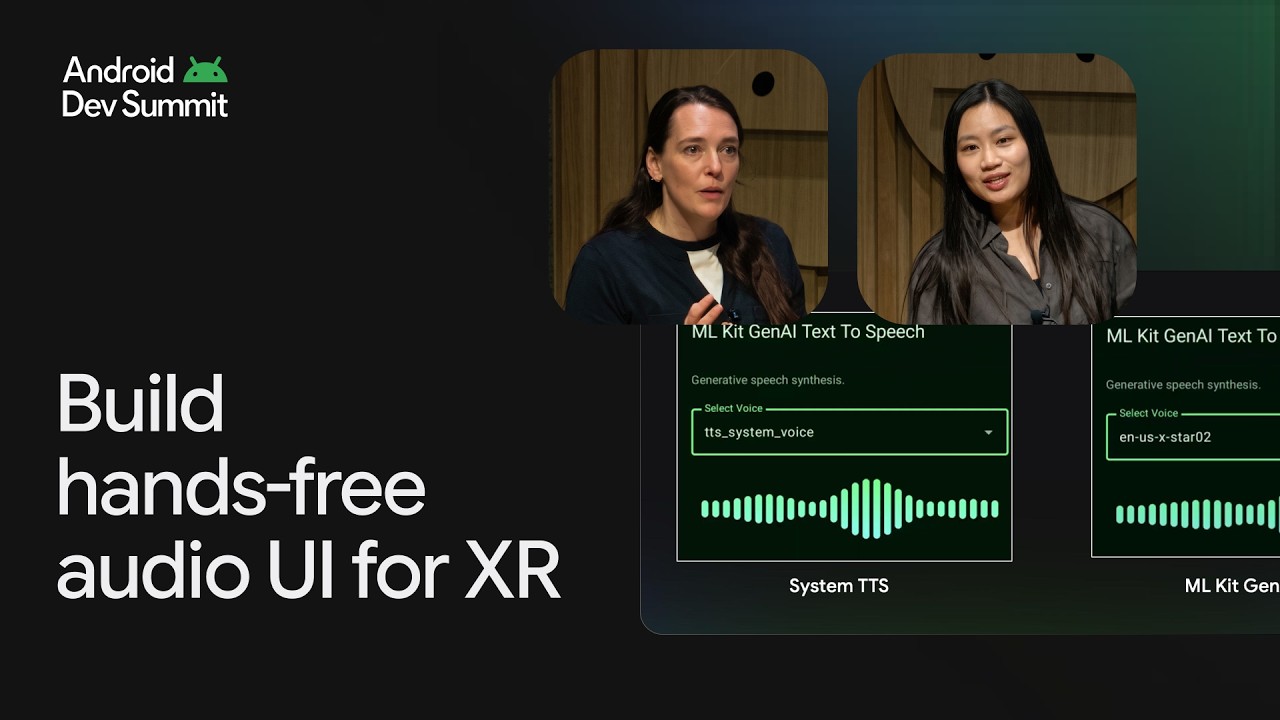
Building audio-first experiences for intelligent eyewear with Gemini Nano 4
Discover how to build robust, hands-free audio experiences powered by on-device AI. We’ll cover everything you need: setting up your glasses activity, capturing mic and camera feeds, and using voice along with other audio cues as your ultimate UI. Through an exciting real-world showcase of the open-source XR Language Teacher built in the Google AI Edge Gallery app, learn to orchestrate Gemini Nano 4 (built on Gemma 4 and optimized for Android devices), and ML Kit, and leverage the LiteRT runtime to build fast XR experiences that hear, see, and speak naturally.
Resources:
Try the XR Language Teacher demo and view source code → https://goo.gle/4ze2yig
APIs for building in XR → https://goo.gle/4yDRCJY
ML Kit GenAI API → https://goo.gle/4yY3yXT
MediaPipe Task API → https://goo.gle/4kaNFIV
MLKit GenAI TTS on XR → https://goo.gle/4z9g1Z2
Speakers: Amy Zeppenfeld, Alice Zheng
Chapters:
0:00 - Introduction
1:17 - Building for Android XR
5:58 - Designing audio-first experiences
15:15 - XR Language Teacher case study
19:33 - Chaining on-device models
22:30 - Prioritizing real-time latency with two-pass design
29:27 - Adapting to other use cases with AI agents
Watch the Android XR sessions from Android Dev Summit 2026 → https://goo.gle/ADS26-XR
Watch all the sessions from Android Dev Summit 2026 → https://goo.gle/ADS26-All-Sessions
Subscribe to Android Developers → https://goo.gle/AndroidDevs
#AndroidDevSummit2026
Event: Android Dev Summit 2026
Products Mentioned: Gemini Nano 4, Gemma 4, ML Kit, LiteRT, Android XR, Media
Resources:
Try the XR Language Teacher demo and view source code → https://goo.gle/4ze2yig
APIs for building in XR → https://goo.gle/4yDRCJY
ML Kit GenAI API → https://goo.gle/4yY3yXT
MediaPipe Task API → https://goo.gle/4kaNFIV
MLKit GenAI TTS on XR → https://goo.gle/4z9g1Z2
Speakers: Amy Zeppenfeld, Alice Zheng
Chapters:
0:00 - Introduction
1:17 - Building for Android XR
5:58 - Designing audio-first experiences
15:15 - XR Language Teacher case study
19:33 - Chaining on-device models
22:30 - Prioritizing real-time latency with two-pass design
29:27 - Adapting to other use cases with AI agents
Watch the Android XR sessions from Android Dev Summit 2026 → https://goo.gle/ADS26-XR
Watch all the sessions from Android Dev Summit 2026 → https://goo.gle/ADS26-All-Sessions
Subscribe to Android Developers → https://goo.gle/AndroidDevs
#AndroidDevSummit2026
Event: Android Dev Summit 2026
Products Mentioned: Gemini Nano 4, Gemma 4, ML Kit, LiteRT, Android XR, Media

Android Developers
Welcome to the official Android Developers Youtube channel. Get the latest Android news, best practices, live videos, demonstrations, tutorials, and more. Subscribe to receive the latest on Android development....