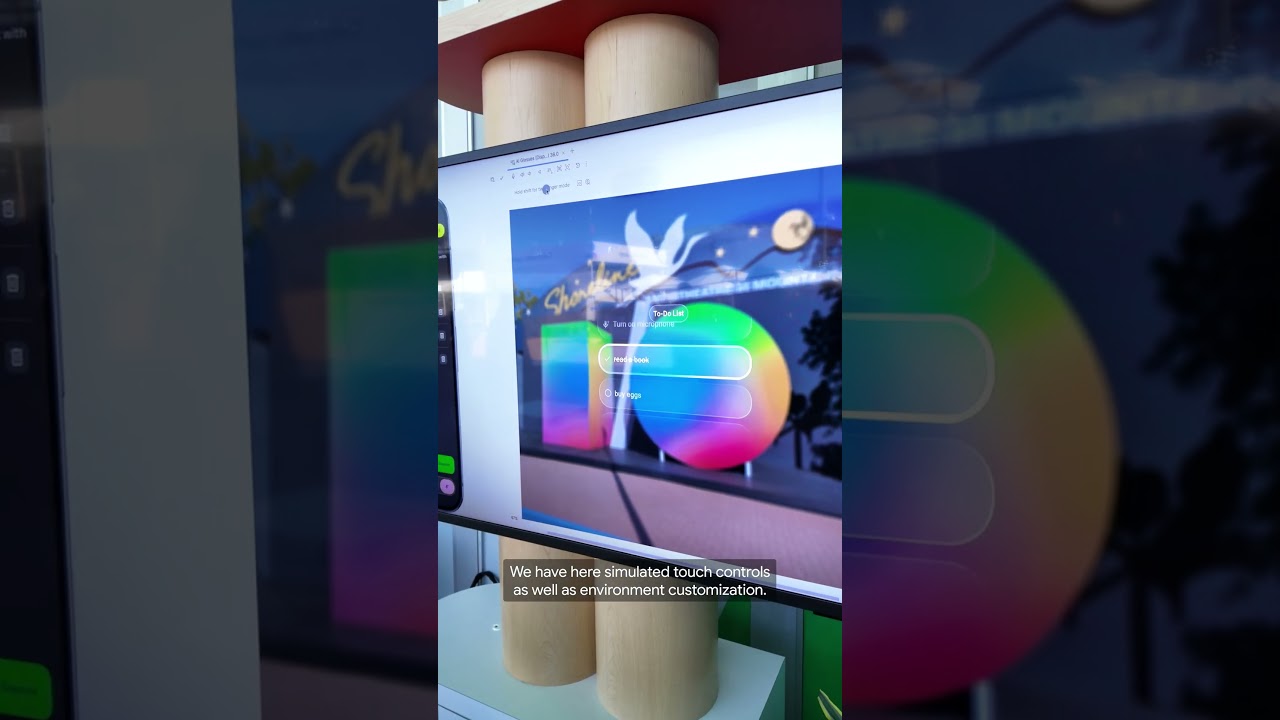
Develop Android XR apps for display glasses with Android Studio
Develop apps for display glasses (even without a device) with the XR emulator in Android Studio. This demo highlights that you can pair the emulator with a companion phone and utilize Jetpack Compose Glimmer to create engaging UIs. You can test your apps with built-in touch controls and custom environments, empowering you to innovate without hardware limitations. Begin developing for display glasses by downloading Android Studio Canary 5 or later.
Subscribe to Android Developers → https://goo.gle/AndroidDevs
#Android #AndroidDevelopers #AndroidStudio #WearOS
Event: Google I/O 2026
Speakers: Kathleen Bryan, Trey Williamson
Subscribe to Android Developers → https://goo.gle/AndroidDevs
#Android #AndroidDevelopers #AndroidStudio #WearOS
Event: Google I/O 2026
Speakers: Kathleen Bryan, Trey Williamson

Android Developers
Welcome to the official Android Developers Youtube channel. Get the latest Android news, best practices, live videos, demonstrations, tutorials, and more. Subscribe to receive the latest on Android development....