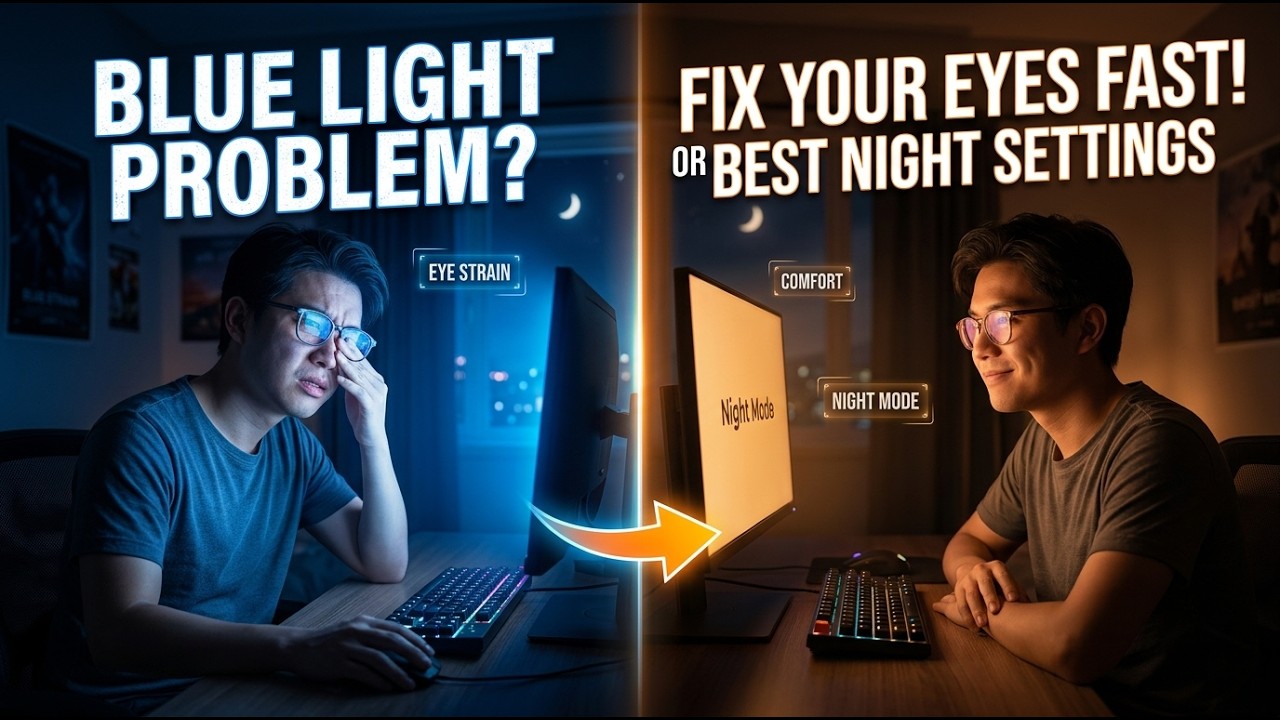
How to Setup f.lux: The Ultimate Blue Light Solution for PC | Best Blue Light Settings
? Stay Connected:
? Subscribe Now & Start Your Web Development Journey Today!
? [https://www.youtube.com/channel/UCqLYJkKUl5WqdlsoU_5Q9IQ]
Like Facebook page for more Like Facebook page for more update and Videos :https://www.facebook.com/TheTechNerdBD/
How to Setup f.lux: The Ultimate Blue Light Solution for PC | Best Blue Light Settings
If you spend your nights staring at a bright computer screen, you’ve probably noticed that it becomes harder to fall asleep or that your eyes feel "burnt" by the end of the day. While Windows and Mac have built-in night modes, they often don't go far enough. Enter f.lux—the gold standard for digital eye protection. In this ultimate 2026 setup guide, we are showing you how to master f.lux to completely eliminate eye strain and fix your sleep cycle.
Why f.lux is Superior to Windows Night Light
Most built-in blue light filters are simple "on/off" switches with a basic slider. f.lux is different because it is biologically aware. It doesn't just change the color of your screen; it tracks the position of the sun relative to your specific location. This means the transition from day to night is gradual and seamless, mimicking the natural progression of light. This prevents the sudden "orange shock" and instead eases your brain into a state where it can naturally produce melatonin.
Getting Started: The Perfect Calibration
The first thing we cover is the initial setup. Most people install f.lux and leave it on the default settings, but to get the real benefits, you need to calibrate it for your specific lighting environment.
Location Services: We show you how to input your exact latitude and longitude. This is crucial because f.lux needs to know exactly when the sun sets in your city to begin the filtering process.
Lighting Types: Are you using LED bulbs, Halogen, or Incandescent light in your room? We show you how to match f.lux to your room’s physical light temperature. This creates a "color-balanced" environment that reduces the contrast between your screen and your surroundings, which is the primary cause of digital eye strain.
Advanced Features & Modes
f.lux is packed with hidden features that many users never find. We dive into:
Movie Mode: One of the biggest complaints about blue light filters is that they ruin the colors in movies. We show you how to use Movie Mode, which preserves shadow detail and skin tones while still removing the most harmful blue light frequencies.
Darkroom Mode: For those late-night coding or writing sessions, Darkroom Mode turns your screen into a high-contrast red-on-black interface. This completely eliminates blue and green light, allowing you to work in total darkness without destroying your night vision.
Vignette & Grayscale: We explore how using grayscale modes at night can actually reduce "screen addiction" by making social media and apps less visually stimulating, helping you wind down faster.
Fixing "The Glitch" and Performance Tips
Sometimes f.lux can conflict with your graphics card or cause flickering in video games. We walk you through the "Safe Mode" settings and how to disable f.lux automatically when you open specific full-screen applications. This ensures you get the best performance for gaming during the day and the best eye protection for work at night.
By following this guide, you will transform your PC from a source of eye strain into a tool that supports your health and productivity. Stop letting your monitor dictate your sleep schedule and take control with the best blue light settings available in 2026.
? Subscribe Now & Start Your Web Development Journey Today!
? [https://www.youtube.com/channel/UCqLYJkKUl5WqdlsoU_5Q9IQ]
Like Facebook page for more Like Facebook page for more update and Videos :https://www.facebook.com/TheTechNerdBD/
How to Setup f.lux: The Ultimate Blue Light Solution for PC | Best Blue Light Settings
If you spend your nights staring at a bright computer screen, you’ve probably noticed that it becomes harder to fall asleep or that your eyes feel "burnt" by the end of the day. While Windows and Mac have built-in night modes, they often don't go far enough. Enter f.lux—the gold standard for digital eye protection. In this ultimate 2026 setup guide, we are showing you how to master f.lux to completely eliminate eye strain and fix your sleep cycle.
Why f.lux is Superior to Windows Night Light
Most built-in blue light filters are simple "on/off" switches with a basic slider. f.lux is different because it is biologically aware. It doesn't just change the color of your screen; it tracks the position of the sun relative to your specific location. This means the transition from day to night is gradual and seamless, mimicking the natural progression of light. This prevents the sudden "orange shock" and instead eases your brain into a state where it can naturally produce melatonin.
Getting Started: The Perfect Calibration
The first thing we cover is the initial setup. Most people install f.lux and leave it on the default settings, but to get the real benefits, you need to calibrate it for your specific lighting environment.
Location Services: We show you how to input your exact latitude and longitude. This is crucial because f.lux needs to know exactly when the sun sets in your city to begin the filtering process.
Lighting Types: Are you using LED bulbs, Halogen, or Incandescent light in your room? We show you how to match f.lux to your room’s physical light temperature. This creates a "color-balanced" environment that reduces the contrast between your screen and your surroundings, which is the primary cause of digital eye strain.
Advanced Features & Modes
f.lux is packed with hidden features that many users never find. We dive into:
Movie Mode: One of the biggest complaints about blue light filters is that they ruin the colors in movies. We show you how to use Movie Mode, which preserves shadow detail and skin tones while still removing the most harmful blue light frequencies.
Darkroom Mode: For those late-night coding or writing sessions, Darkroom Mode turns your screen into a high-contrast red-on-black interface. This completely eliminates blue and green light, allowing you to work in total darkness without destroying your night vision.
Vignette & Grayscale: We explore how using grayscale modes at night can actually reduce "screen addiction" by making social media and apps less visually stimulating, helping you wind down faster.
Fixing "The Glitch" and Performance Tips
Sometimes f.lux can conflict with your graphics card or cause flickering in video games. We walk you through the "Safe Mode" settings and how to disable f.lux automatically when you open specific full-screen applications. This ensures you get the best performance for gaming during the day and the best eye protection for work at night.
By following this guide, you will transform your PC from a source of eye strain into a tool that supports your health and productivity. Stop letting your monitor dictate your sleep schedule and take control with the best blue light settings available in 2026.

Full Course
This channel is about full courses any type of Content Software So Subscribe For Upcoming New Fully Free Course By Full course....
Real-Life Decisions: Case Studies That Will Change Your Perspective | Real-Life Examples
Full Course
How to Extract Audio from Any Video File | Easy Step-by-Step Guide | Free & Easy Methods
Full Course