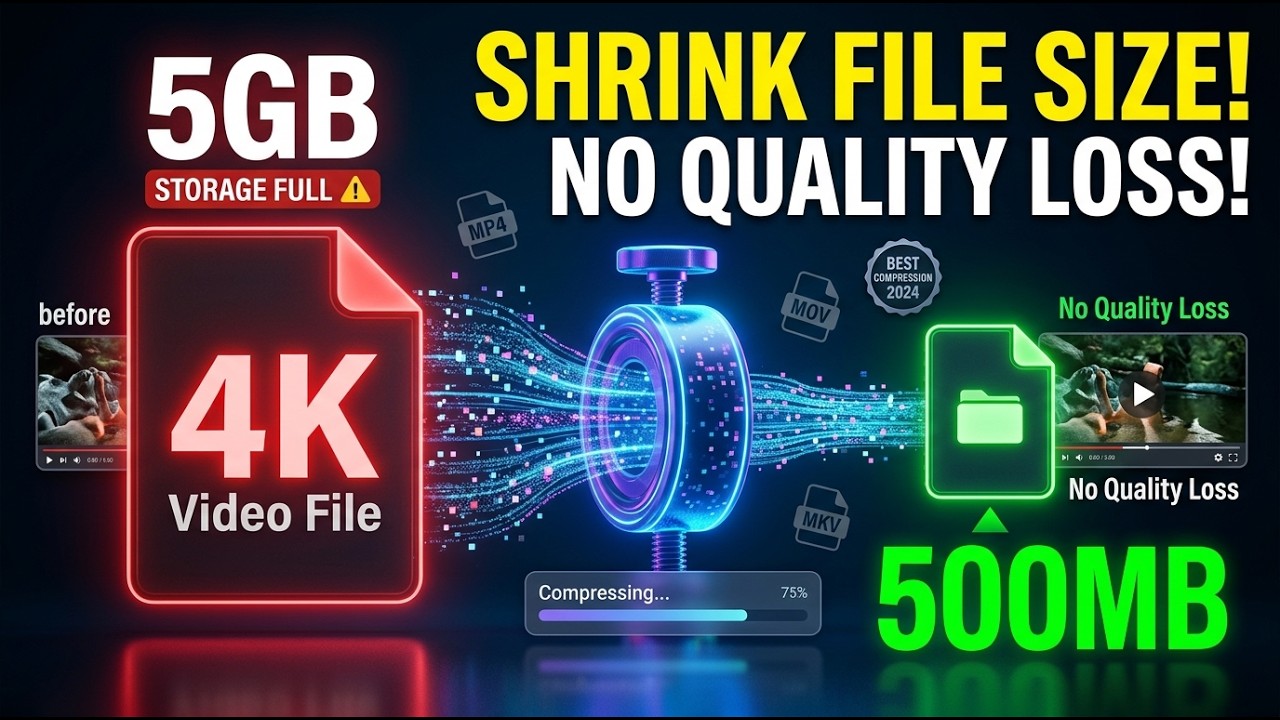
How to Compress Video Files Without Losing Quality (Best Methods 2026) | Easy Compression Guide
? Stay Connected:
? Subscribe Now & Start Your Web Development Journey Today!
? [https://www.youtube.com/channel/UCqLYJkKUl5WqdlsoU_5Q9IQ]
Like Facebook page for more Like Facebook page for more update and Videos :https://www.facebook.com/TheTechNerdBD/
How to Compress Video Files Without Losing Quality (Best Methods 2026) | Easy Compression Guide
Are you struggling with massive video files that take forever to upload or eat up all your storage space? High-resolution video is stunning, but it comes at the cost of huge file sizes. In this comprehensive 2026 guide, we break down the absolute best methods to compress your video files while maintaining professional-grade quality. Whether you are a content creator, a student, or just trying to save space on your hard drive, this video will show you exactly how to shrink your files without the blur.
Why Video Compression Matters in 2026
In an era of 4K and 8K content, file management has become a significant bottleneck. Large files aren't just a storage nuisance; they slow down your workflow, increase upload times on platforms like YouTube and Instagram, and can even cause playback issues for viewers with slower internet connections. Learning the art of "lossless-perceived" compression is a must-have skill for anyone handling digital media today.
What You Will Learn in This Guide:
We have curated the most effective tools and techniques available this year, ranging from beginner-friendly cloud solutions to powerful desktop software used by industry experts.
1. Understanding Video Codecs (H.264 vs. H.265/HEVC vs. AV1)
To compress effectively, you need to understand the engine under the hood. We explain why H.265 and the rising AV1 codec are the kings of 2026, offering significantly better compression ratios than the aging H.264 standard.
2. The Best Free Desktop Software
We dive into powerful, open-source tools like HandBrake and VLC. You’ll see the exact settings to use—including Constant Rate Factor (CRF) and bitrate encoding—to ensure your 1GB file becomes a 100MB file without a noticeable drop in clarity.
3. Efficient Online Compressors
For those who don’t want to install software, we review the top-performing browser-based compressors. These are perfect for quick social media clips or email attachments where speed is the priority.
4. Mobile Compression for Creators on the Go
If you’re filming on an iPhone or Android, you don’t need a PC to shrink your files. We showcase the best apps that allow you to compress 4K footage directly on your device before sharing.
5. Pro Tips for "Visually Lossless" Results
Resolution vs. Bitrate: Why lowering resolution isn't always the answer.
Frame Rate Optimization: How adjusting your FPS can save space without ruining the motion.
Audio Compression: Don't forget the sound! Learn how to trim the fat from your audio tracks to save those extra megabytes.
Who Is This Video For?
YouTube Creators: Speed up your upload times and manage your archives better.
Gamers: Compress long gameplay recordings without losing the crispness of your graphics.
Remote Workers: Send high-quality video presentations via Slack or email without hitting file size limits.
Photography Enthusiasts: Clear up space on your cloud storage while keeping your memories in high definition.
Stop letting large files slow you down. By the end of this video, you will have a clear, step-by-step roadmap to mastering video compression in 2026. If you find these tips helpful, make sure to like the video and subscribe for more tech tutorials and digital workflow optimizations!
? Subscribe Now & Start Your Web Development Journey Today!
? [https://www.youtube.com/channel/UCqLYJkKUl5WqdlsoU_5Q9IQ]
Like Facebook page for more Like Facebook page for more update and Videos :https://www.facebook.com/TheTechNerdBD/
How to Compress Video Files Without Losing Quality (Best Methods 2026) | Easy Compression Guide
Are you struggling with massive video files that take forever to upload or eat up all your storage space? High-resolution video is stunning, but it comes at the cost of huge file sizes. In this comprehensive 2026 guide, we break down the absolute best methods to compress your video files while maintaining professional-grade quality. Whether you are a content creator, a student, or just trying to save space on your hard drive, this video will show you exactly how to shrink your files without the blur.
Why Video Compression Matters in 2026
In an era of 4K and 8K content, file management has become a significant bottleneck. Large files aren't just a storage nuisance; they slow down your workflow, increase upload times on platforms like YouTube and Instagram, and can even cause playback issues for viewers with slower internet connections. Learning the art of "lossless-perceived" compression is a must-have skill for anyone handling digital media today.
What You Will Learn in This Guide:
We have curated the most effective tools and techniques available this year, ranging from beginner-friendly cloud solutions to powerful desktop software used by industry experts.
1. Understanding Video Codecs (H.264 vs. H.265/HEVC vs. AV1)
To compress effectively, you need to understand the engine under the hood. We explain why H.265 and the rising AV1 codec are the kings of 2026, offering significantly better compression ratios than the aging H.264 standard.
2. The Best Free Desktop Software
We dive into powerful, open-source tools like HandBrake and VLC. You’ll see the exact settings to use—including Constant Rate Factor (CRF) and bitrate encoding—to ensure your 1GB file becomes a 100MB file without a noticeable drop in clarity.
3. Efficient Online Compressors
For those who don’t want to install software, we review the top-performing browser-based compressors. These are perfect for quick social media clips or email attachments where speed is the priority.
4. Mobile Compression for Creators on the Go
If you’re filming on an iPhone or Android, you don’t need a PC to shrink your files. We showcase the best apps that allow you to compress 4K footage directly on your device before sharing.
5. Pro Tips for "Visually Lossless" Results
Resolution vs. Bitrate: Why lowering resolution isn't always the answer.
Frame Rate Optimization: How adjusting your FPS can save space without ruining the motion.
Audio Compression: Don't forget the sound! Learn how to trim the fat from your audio tracks to save those extra megabytes.
Who Is This Video For?
YouTube Creators: Speed up your upload times and manage your archives better.
Gamers: Compress long gameplay recordings without losing the crispness of your graphics.
Remote Workers: Send high-quality video presentations via Slack or email without hitting file size limits.
Photography Enthusiasts: Clear up space on your cloud storage while keeping your memories in high definition.
Stop letting large files slow you down. By the end of this video, you will have a clear, step-by-step roadmap to mastering video compression in 2026. If you find these tips helpful, make sure to like the video and subscribe for more tech tutorials and digital workflow optimizations!

Full Course
This channel is about full courses any type of Content Software So Subscribe For Upcoming New Fully Free Course By Full course....
Real-Life Decisions: Case Studies That Will Change Your Perspective | Real-Life Examples
Full Course
How to Extract Audio from Any Video File | Easy Step-by-Step Guide | Free & Easy Methods
Full Course