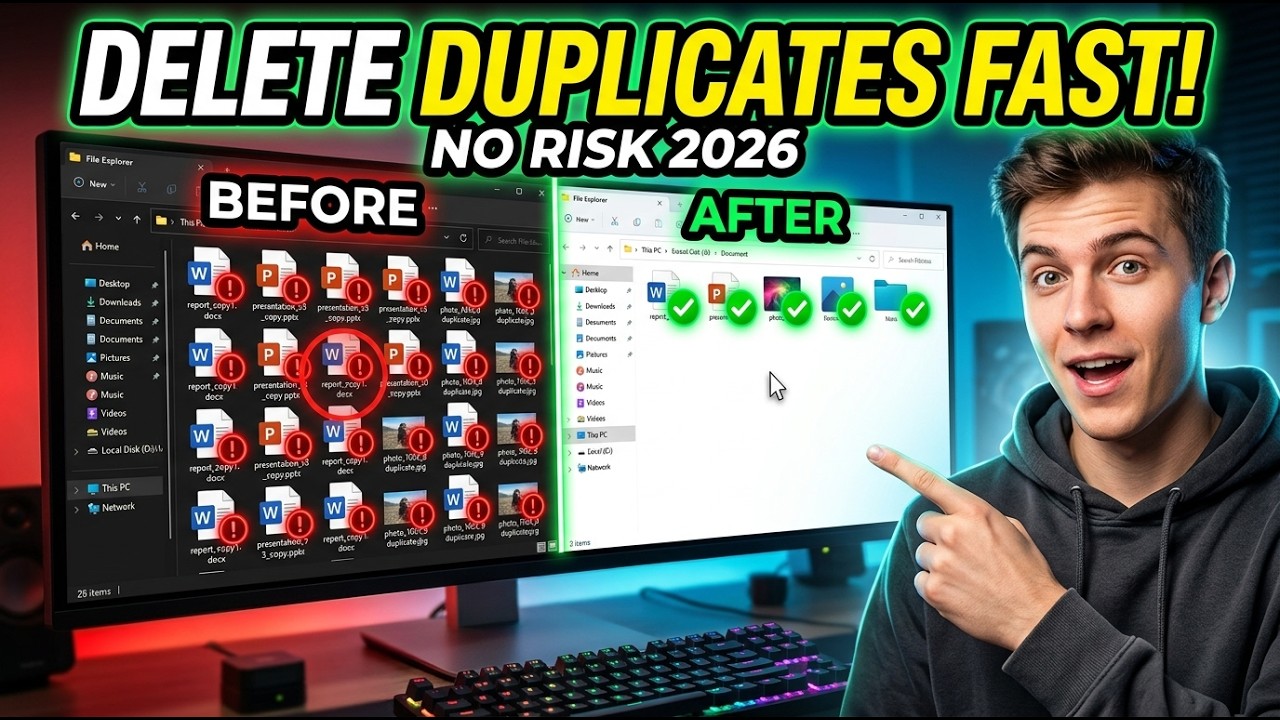
How to Find & Delete Duplicate Files on PC (Fast & Easy 2026 Guide) | Remove Duplicate Files No Risk
? Stay Connected:
? Subscribe Now & Start Your Web Development Journey Today!
? [https://www.youtube.com/channel/UCqLYJkKUl5WqdlsoU_5Q9IQ]
Like Facebook page for more Like Facebook page for more update and Videos :https://www.facebook.com/TheTechNerdBD/
How to Find & Delete Duplicate Files on PC (Fast & Easy 2026 Guide) | Remove Duplicate Files No Risk
Is your PC slowly turning into a cluttered digital jungle filled with duplicate files? Over time, your computer silently collects identical photos, videos, documents, and downloads that eat up valuable storage space and slow down your system performance. If your storage feels cramped or your files seem out of control, you are not alone. This complete step-by-step guide will show you exactly how to find and delete duplicate files on your PC safely, quickly, and without any risk.
In this comprehensive tutorial, you will learn the smartest methods to locate duplicate files on your Windows computer and remove them efficiently without deleting anything important. Whether you are a beginner or an advanced user, this guide is designed to help you clean your system like a professional and free up massive storage space in minutes.
? Why Duplicate Files Are a Hidden Problem
Duplicate files are like silent storage thieves. They sneak into your system through downloads, file transfers, backups, software installations, and even simple copy-paste actions. Over time, they multiply and start consuming gigabytes of space without you even realizing it.
Here are some common reasons why duplicate files exist on your PC:
Downloading the same file multiple times
Copying files across folders without deleting the original
Backup processes creating extra copies
Software installations duplicating files
File sharing between devices
Editing photos or videos and saving multiple versions
These duplicates not only waste storage space but also make your file system messy and difficult to navigate. Finding the right file becomes harder when there are multiple identical versions scattered across your system.
? What You Will Learn in This Video
This video is designed to give you complete control over your files. By the end of this tutorial, you will be able to:
Identify duplicate files on your PC quickly
Use built-in Windows features to locate duplicates
Safely delete duplicate files without losing important data
Organize your files for better performance
Free up storage space instantly
Improve your PC speed and efficiency
You will also learn professional tips and techniques to ensure that you never accidentally delete important files.
? How Duplicate Files Affect Your PC Performance
Think of your storage like a bookshelf. If the same book is placed in multiple spots randomly, it becomes harder to find what you need. The same happens with your computer.
Duplicate files can:
Reduce available storage space
Slow down system performance
Increase backup size and time
Make file searches confusing
Cause disorganization across folders
Removing duplicates helps your system breathe again. It becomes faster, cleaner, and easier to manage.
?️ Step-by-Step Method to Find Duplicate Files
In this video, you will learn simple and effective ways to locate duplicate files without needing advanced technical knowledge.
Method 1: Manual Search (Basic Method)
This method uses built-in Windows features:
Searching files by name
Sorting files by size and type
Comparing folders manually
Although this method takes time, it is useful for small cleanup tasks.
Method 2: Smart Search Using File Filters
You will learn how to:
Use advanced search filters
Sort files by size, date, and format
Identify identical files visually
This method is faster and more efficient than manual searching.
Method 3: Automatic Duplicate Detection (Recommended)
This is the fastest and safest method covered in the video. You will learn how to:
Scan your entire system for duplicates
Detect identical files based on content
Review files before deleting
Remove duplicates with just a few clicks
This method ensures accuracy and saves a lot of time.
? Subscribe Now & Start Your Web Development Journey Today!
? [https://www.youtube.com/channel/UCqLYJkKUl5WqdlsoU_5Q9IQ]
Like Facebook page for more Like Facebook page for more update and Videos :https://www.facebook.com/TheTechNerdBD/
How to Find & Delete Duplicate Files on PC (Fast & Easy 2026 Guide) | Remove Duplicate Files No Risk
Is your PC slowly turning into a cluttered digital jungle filled with duplicate files? Over time, your computer silently collects identical photos, videos, documents, and downloads that eat up valuable storage space and slow down your system performance. If your storage feels cramped or your files seem out of control, you are not alone. This complete step-by-step guide will show you exactly how to find and delete duplicate files on your PC safely, quickly, and without any risk.
In this comprehensive tutorial, you will learn the smartest methods to locate duplicate files on your Windows computer and remove them efficiently without deleting anything important. Whether you are a beginner or an advanced user, this guide is designed to help you clean your system like a professional and free up massive storage space in minutes.
? Why Duplicate Files Are a Hidden Problem
Duplicate files are like silent storage thieves. They sneak into your system through downloads, file transfers, backups, software installations, and even simple copy-paste actions. Over time, they multiply and start consuming gigabytes of space without you even realizing it.
Here are some common reasons why duplicate files exist on your PC:
Downloading the same file multiple times
Copying files across folders without deleting the original
Backup processes creating extra copies
Software installations duplicating files
File sharing between devices
Editing photos or videos and saving multiple versions
These duplicates not only waste storage space but also make your file system messy and difficult to navigate. Finding the right file becomes harder when there are multiple identical versions scattered across your system.
? What You Will Learn in This Video
This video is designed to give you complete control over your files. By the end of this tutorial, you will be able to:
Identify duplicate files on your PC quickly
Use built-in Windows features to locate duplicates
Safely delete duplicate files without losing important data
Organize your files for better performance
Free up storage space instantly
Improve your PC speed and efficiency
You will also learn professional tips and techniques to ensure that you never accidentally delete important files.
? How Duplicate Files Affect Your PC Performance
Think of your storage like a bookshelf. If the same book is placed in multiple spots randomly, it becomes harder to find what you need. The same happens with your computer.
Duplicate files can:
Reduce available storage space
Slow down system performance
Increase backup size and time
Make file searches confusing
Cause disorganization across folders
Removing duplicates helps your system breathe again. It becomes faster, cleaner, and easier to manage.
?️ Step-by-Step Method to Find Duplicate Files
In this video, you will learn simple and effective ways to locate duplicate files without needing advanced technical knowledge.
Method 1: Manual Search (Basic Method)
This method uses built-in Windows features:
Searching files by name
Sorting files by size and type
Comparing folders manually
Although this method takes time, it is useful for small cleanup tasks.
Method 2: Smart Search Using File Filters
You will learn how to:
Use advanced search filters
Sort files by size, date, and format
Identify identical files visually
This method is faster and more efficient than manual searching.
Method 3: Automatic Duplicate Detection (Recommended)
This is the fastest and safest method covered in the video. You will learn how to:
Scan your entire system for duplicates
Detect identical files based on content
Review files before deleting
Remove duplicates with just a few clicks
This method ensures accuracy and saves a lot of time.

Full Course
This channel is about full courses any type of Content Software So Subscribe For Upcoming New Fully Free Course By Full course....
Real-Life Decisions: Case Studies That Will Change Your Perspective | Real-Life Examples
Full Course
How to Extract Audio from Any Video File | Easy Step-by-Step Guide | Free & Easy Methods
Full Course